
How many Artificial Intelligence applications are actually sitting on your smartphone right now? For most people, the answer is just one or two—and they are barely scratching the surface of what mobile AI can do. If you are still relying entirely on manual typing, reading long documents word-for-word, or struggling with basic voice assistants, you are missing out on serious productivity gains.
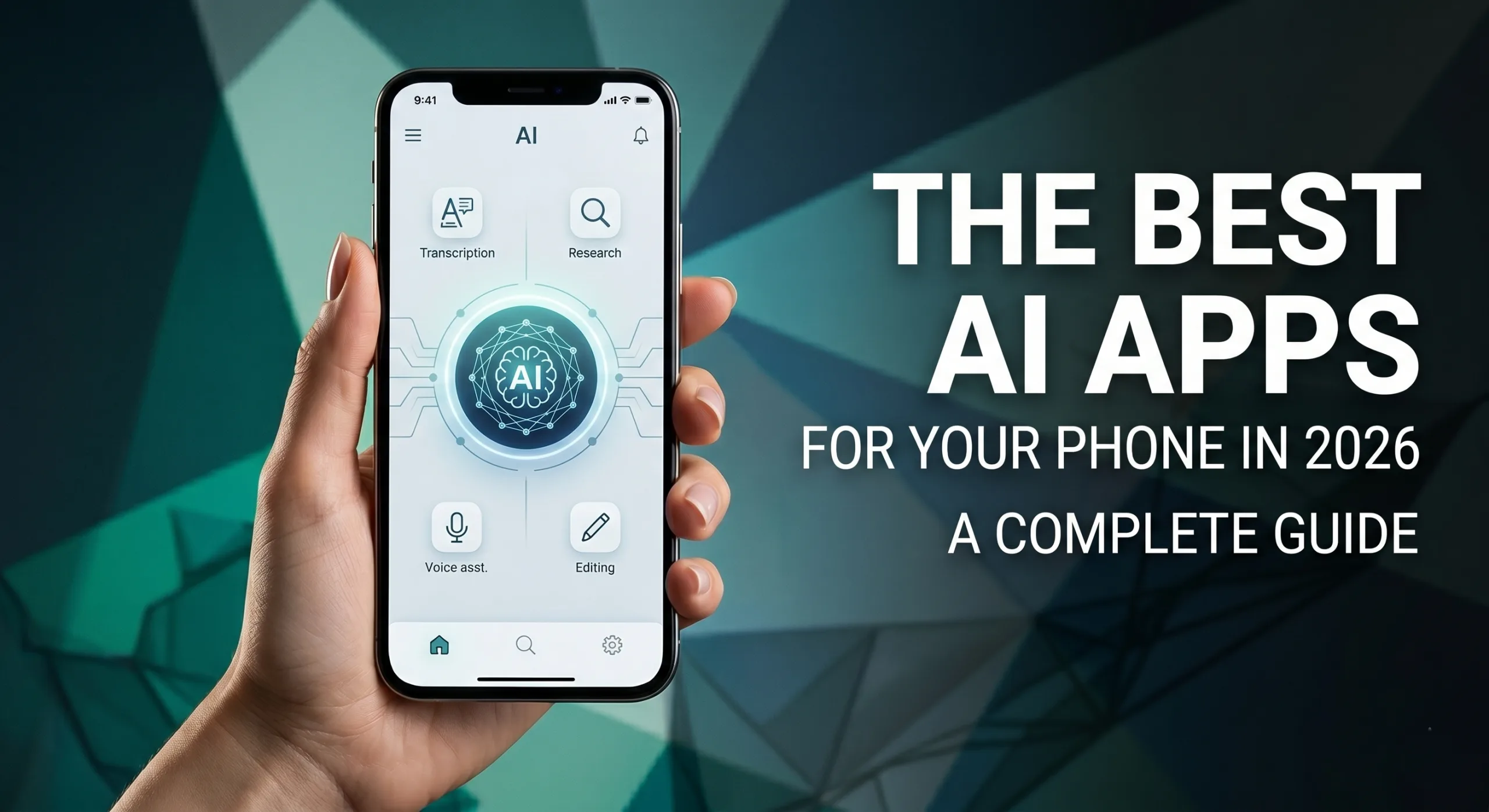
After testing dozens of mobile applications, we have narrowed down the best AI apps for your phone in 2026. These tools are not just gimmicks; they are functional, time-saving utilities that change how you work, read, and communicate on the go.
1. Otter AI: Never Take Meeting Notes Again
If you spend a significant portion of your week on conference calls, Otter AI is a mandatory download. Otter connects directly to Google Meet, Microsoft Teams, and Zoom to transcribe your meetings in real time.
More importantly, it doesn’t just provide a massive wall of text. At the end of your call, the app generates a concise summary featuring key takeaways and bulleted action items. The free tier gives you 300 minutes per month (capped at 30 minutes per conversation), making it perfect for daily stand-ups and brief client check-ins.
2. Perplexity: The Ultimate Mobile Research Assistant
Perplexity is rapidly replacing traditional search engines for mobile users. Instead of providing a list of blue links that you have to manually sift through, Perplexity directly answers your query.
It functions as an advanced research engine, pulling from multiple live sources, summarizing the data, and explicitly citing its sources with footnotes. If you want to dive into the reliability of AI information retrieval, the Pew Research Center frequently covers the evolving landscape of digital search habits. For finding accurate, verified information quickly, Perplexity outpaces standard conversational bots.
3. Grammarly: Your Always-On Editor
Unlike standalone AI chatbots where you have to copy, paste, and switch between screens, the Grammarly mobile app functions as a keyboard replacement.
Whether you are typing an email, sending a Slack message, or writing in Google Docs, Grammarly works in the background. It catches grammatical errors in real time, suggests clearer phrasing, and can even adjust the tone of your text to sound more confident or casual.
Streamlining Content Consumption
Reading long-form content on a small screen can be tedious. Two of the best AI apps for your phone in 2026 fix this exact problem.
4. 11 Reader: Natural Text-to-Speech
11 Reader takes any web link, PDF, or ebook and converts it into incredibly natural-sounding audio. With over 1,000 voices that use human-like pacing and inflection, it turns reading assignments or long articles into high-quality podcasts perfect for your daily commute.
5. Notebook LM: Chat With Your Documents
Google’s Notebook LM allows you to upload heavy documents (like a 50-page strategy brief) and chat with them. You can ask specific questions about the text, or use the standout “Audio Overview” feature. This generates a realistic, two-person podcast discussion that breaks down the document’s key points, allowing you to absorb complex data completely hands-free.
Video Editing and Voice Assistance
The mobile AI revolution extends heavily into creative production and natural language interaction.
6. CapCut: AI-Powered Mobile Video
CapCut is the premier AI video editor that makes transferring files to a desktop obsolete. It features highly accurate auto-captions, one-tap background removal, and a “smart cut” feature that automatically deletes dead air and filler words from your clips.
7. Gemini Live: The Future of Voice
Replacing rigid, command-based assistants, Gemini Live offers true conversational AI. You can interrupt it, change topics mid-sentence, and brainstorm ideas out loud. It integrates deeply into the Android ecosystem (and works well via the iOS app), making it an incredible tool for hands-free planning and idea generation.
By integrating these powerful AI tools into your daily routine, you can drastically reduce busywork and maximize the capabilities of your smartphone.
If you are a tech nerd like me, you might also like: How to Setup WordPress Locally (The Safe Way)